











Join 9,900+ creators


AI YouTube videos, on autopilot.
Type an idea. Get a finished video.Type an idea. We name it, write it, draw it and voice it.
Watch a video get made
Made with ClipFlux
Every clip on this page came out of ClipFlux from a typed idea: long YouTube videos, Shorts, every look.
One tool. The whole channel.
Everything a faceless channel runs on, from the first line of the script to the upload, made in one place.
He Won the Lottery and Still Went Broke
- 01The Ticket0:00
- 02The First Million0:58
- 03Where It All Went1:52
- 04Broke Again2:50
The script
A cold open, a chapter for each part, one narrator first line to last. From one line of yours.
 0:12
 1:40
 3:05
Every scene
Drawn in one of 15 looks, the same character from the first scene to the last.
The voice
95 voices in 14 languages, with captions timed to every word.

The thumbnail
Drawn from the video's own characters and look, title text and all.
The edit
Redo any scene with a note, then trim and reorder on the timeline in Studio.
The upload
Posted to YouTube and TikTok on the days and at the hour you pick.
Full-length, chaptered.
Pick Long video and the same idea becomes a full-length one: a cold open, a chapter for each part, a picture for every line and one narrator from start to finish.
One of our videos, made from one sentence
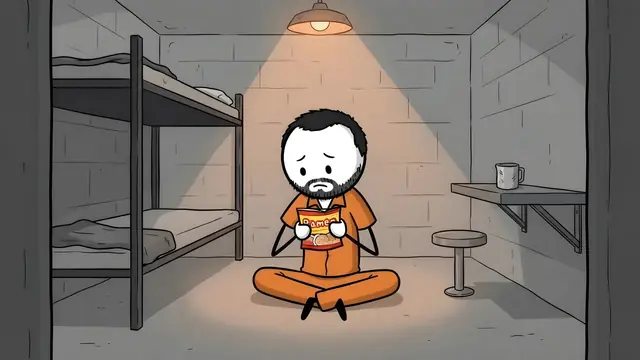
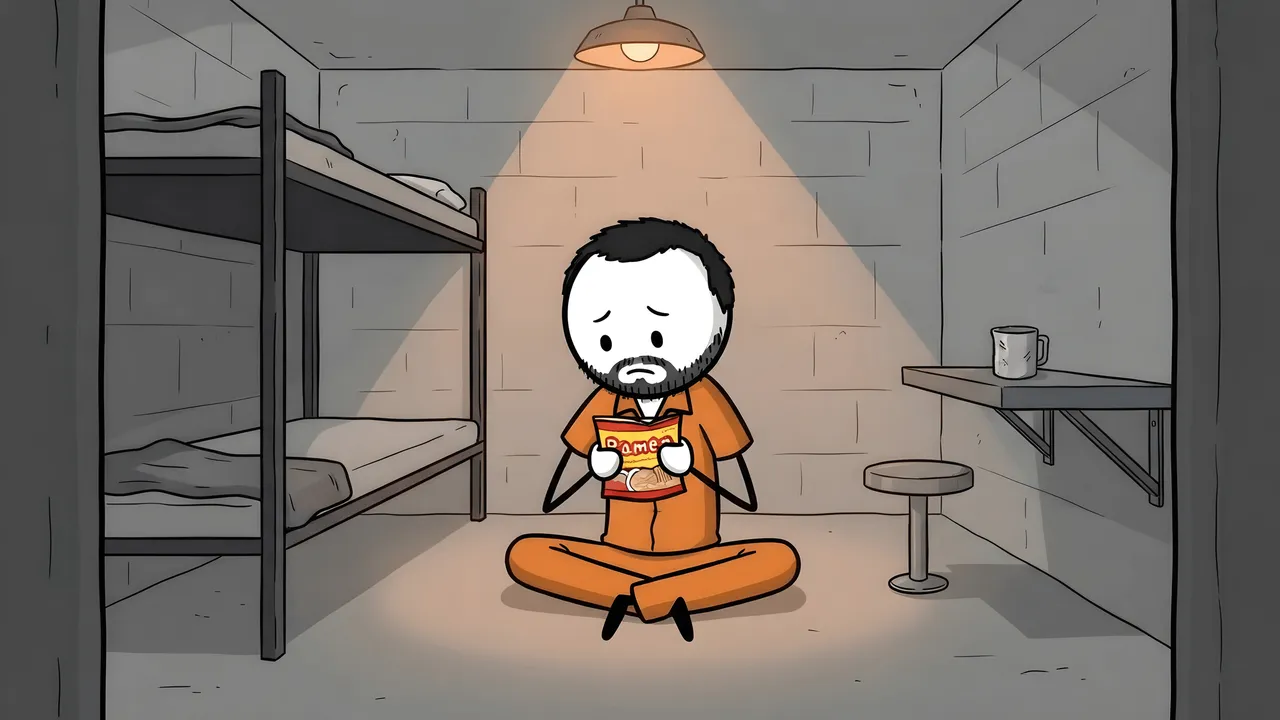
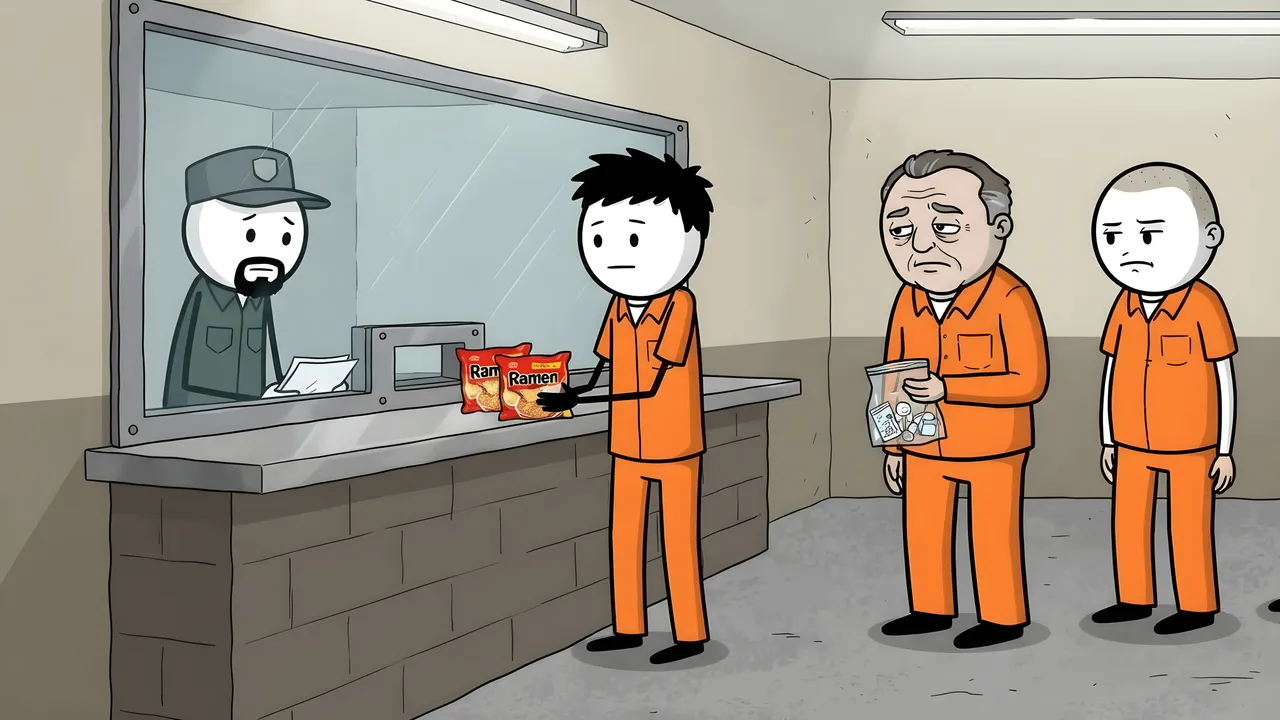
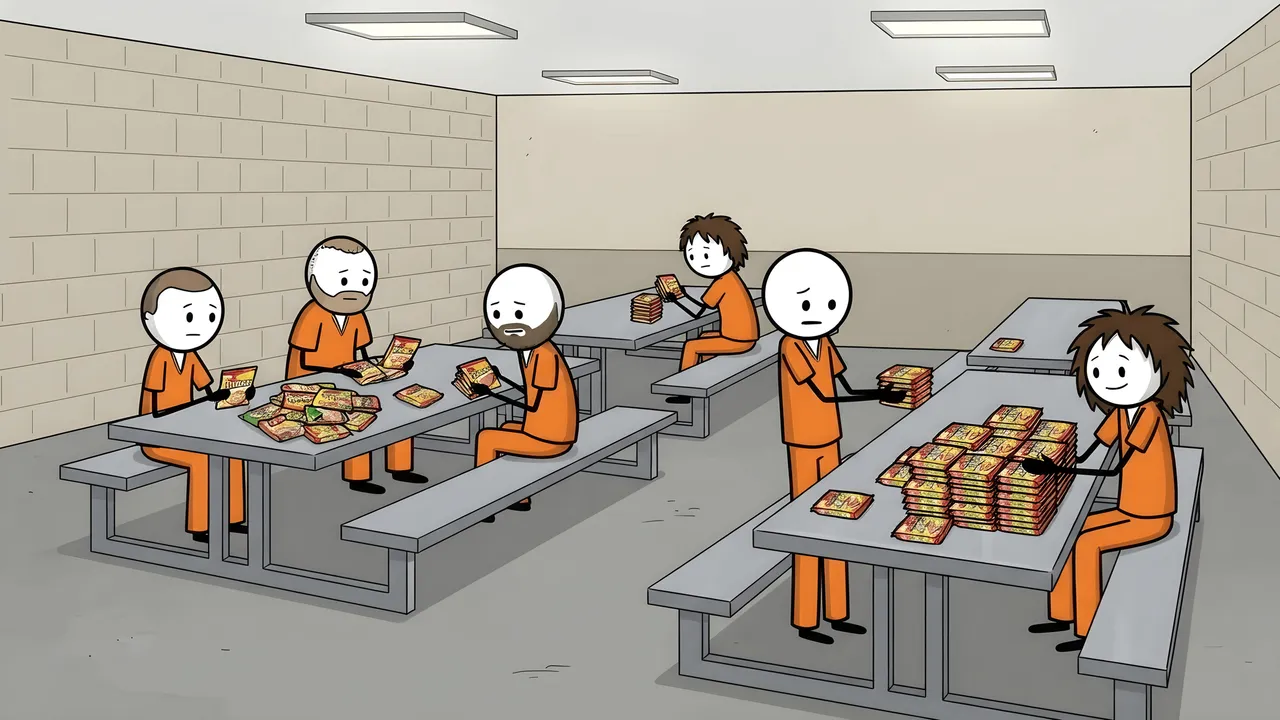
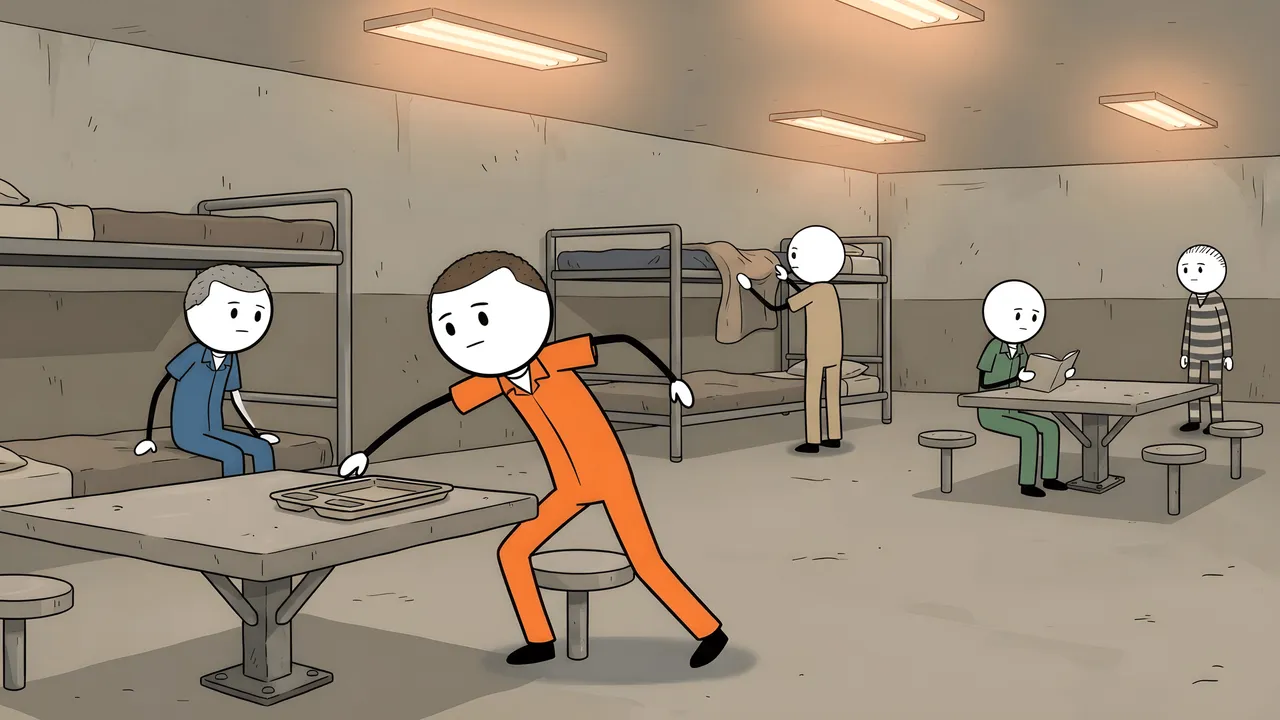
Why Is Ramen Worth More Than Money in Prison?
From$0.95a minute
On every paid plan. Five minutes is about 185 credits, or 280 with Fast cuts (two pictures a line, like this one).
See long-video pricingAll 159 pictures, chapter by chapter
- 0:00You Just Got Locked Up

- 0:58The Prison Job Market

- 1:52When Cigarettes Ruled

- 2:50The Hunger Problem

- 3:44Why Ramen Works

- 4:51What Ramen Can Buy

- 5:54The Ramen Meal

- 6:48Supply and Demand

- 7:46The Ramen Economy

Picks the topic. Makes it. Posts it.
Autopilot runs a channel for you: it takes the next topic, makes the whole video in your channel's look and voice, and posts it on the days and hour you set.
1Picks the topic
Explainer channel · topic list
- NEXTWhat if you fell into a black hole
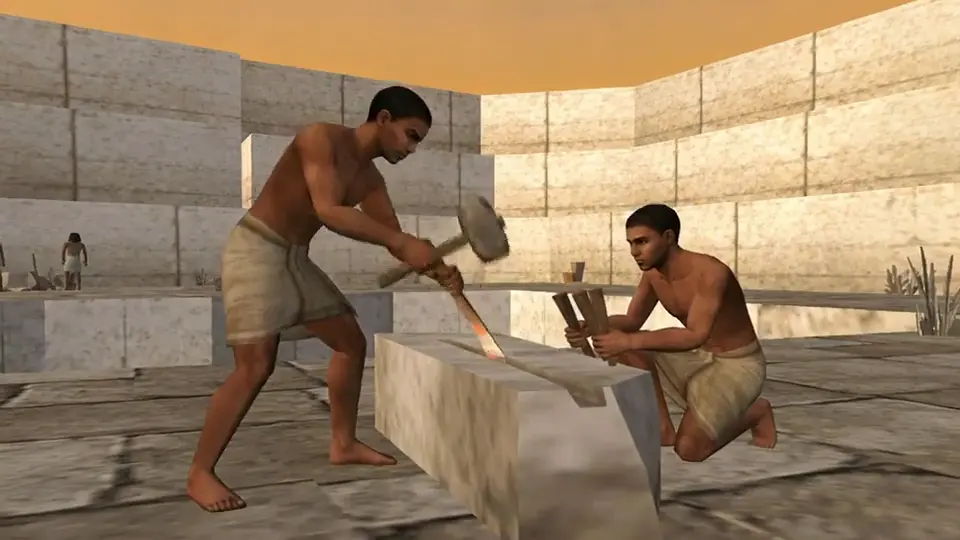
- 02How the pyramids were really built
- 03Why we never went back to the Moon
- 04What happens when the Sun dies
When the list runs out, it writes new ideas from your channel’s description.
2Makes it
 8-minute video · Doodle 2D
What if you fell into a black hole
- Script and chapters
- Voice
- Pictures
- Music and captions
- Thumbnail
3Posts it
- Mon
 Posted
- Tue
- Wed18:00
- Thu
- Fri
 18:00
- Sat
- Sun
3:27The Wall Street Crash explainedPosted Mon 18:00 to YouTubeTitle, description, chapters, thumbnail- At most one video a day, on the days and hour you pick
- Topics from your list, or new ideas written from your channel description
- Posts by itself, or waits for your OK first: your choice
- Long videos post with chapters, a description and your title style
Autopilot comes with every monthly plan: Starter 1 channel, Pro 2, Studio 5.
How YouTube automation with ClipFlux worksPick a look. Keep it.
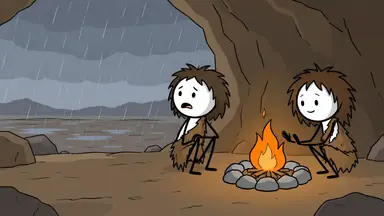
Every scene of a video is drawn in one look, from cinematic to stick figures. 15 looks for long videos and Shorts, or copy any look you like, and your channel keeps it video after video.
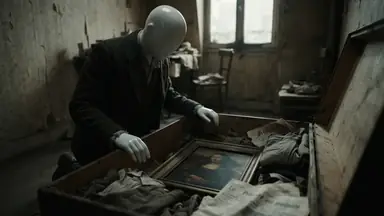
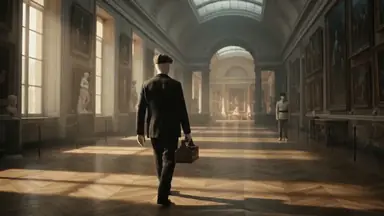
 RealisticPhoto-real and cinematic, like a documentary. Bring your own character or none.
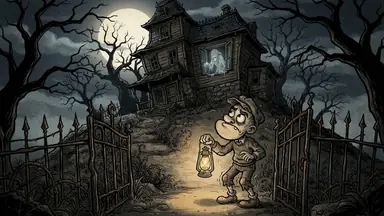
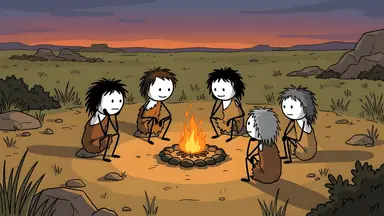
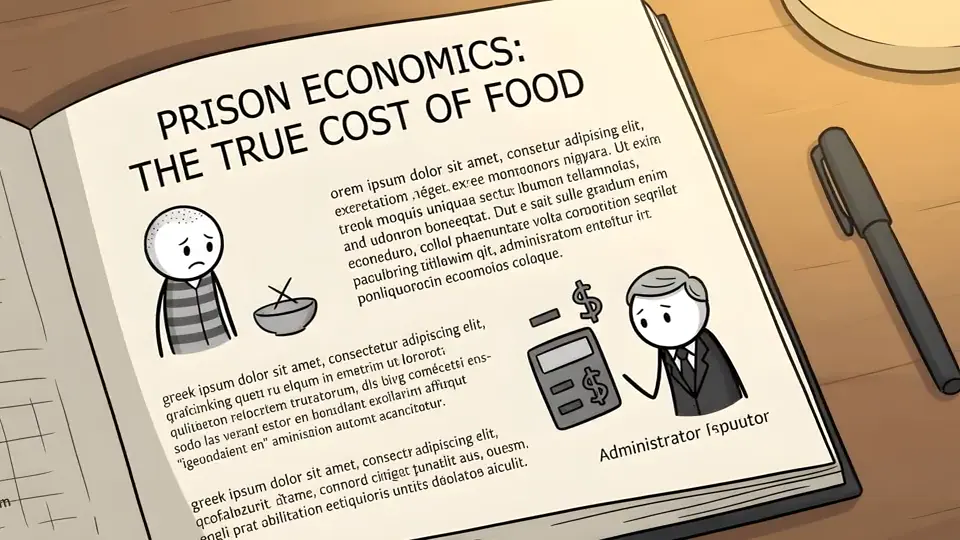
- Doodle 2DMinimal round-headed cartoon doodles
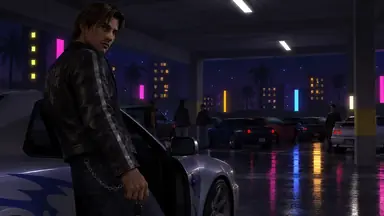
- PS2 GraphicsA 2004 PS2 cutscene: detailed hero, cheap world.
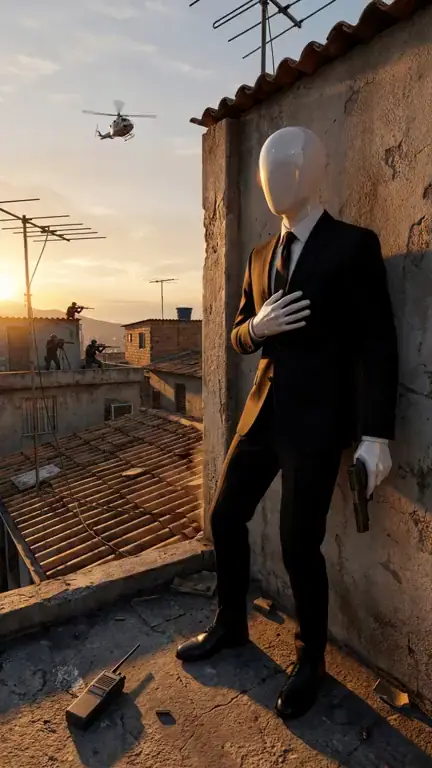
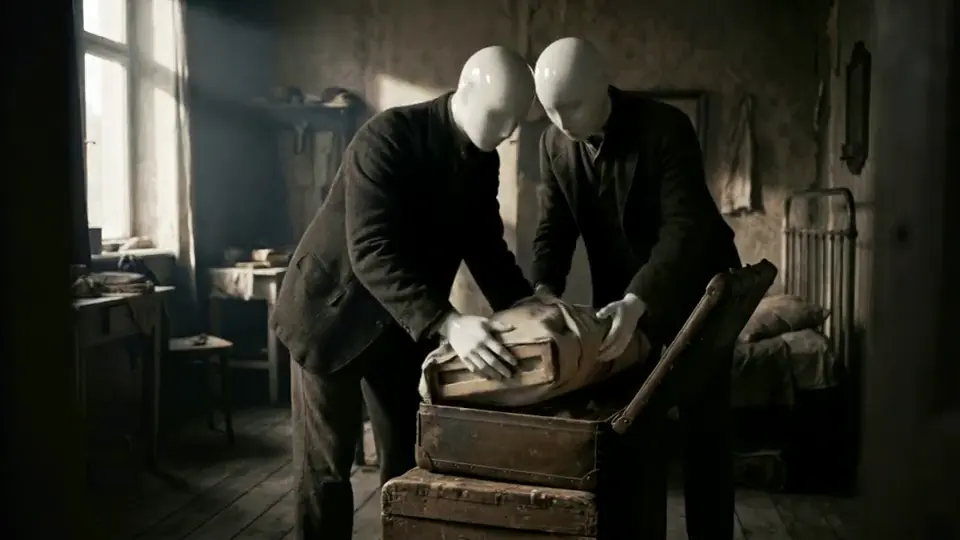
- Mannequin 3DFaceless glossy mannequins in cinematic scenes
- Cartoon StickmanRound-headed stick figures in a warm, full-colour cartoon world
 Storybook 3DFeature-film 3D animation, warm and cinematic
 Classic StickmanDeadpan stick figures in a bright, clean full-colour world
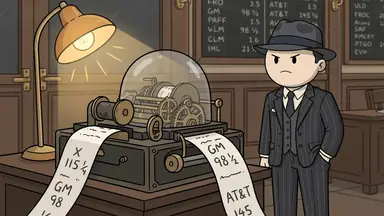
 Vintage ToonBold-outline retro cartoon, mobster-era energy
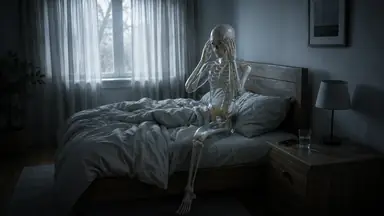
 Skeleton POVThe original viral first-person format. Cinematic 3D, any era.
 WhiteboardSimple hand-drawn marker sketches, coloured in by hand
 Paper CutoutLayered cut-card scenes with handmade depth
 Epic StickmanFlat stick figures in richly painted, dramatically lit worlds
 Noir StickmanStick figures in black ink and hard shadow, one red accent
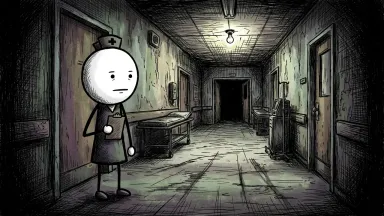
 Creepy StickmanStick figures in a muted, unsettling horror world
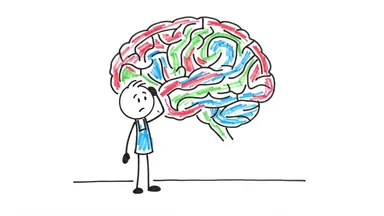
 Minimal StickmanClean stick figures on white, one colour for what matters
- Or make your own lookPaste a YouTube or TikTok link, or up to four pictures, and ClipFlux copies the look for every video after.
From idea to upload
One sentence in. A finished, voiced and captioned video out, posted when you want it.
- Step 1
Type an idea
One sentence is enough. The look, the voice and the length start on good defaults.
- Step 2
We make the whole video
The script, every picture, the narration and the captions, in your channel's look.
- Step 3
Post it, or let Autopilot
Title, chapters and thumbnail included. Publish now, schedule it, or let Autopilot run the channel.
Same character, every scene.
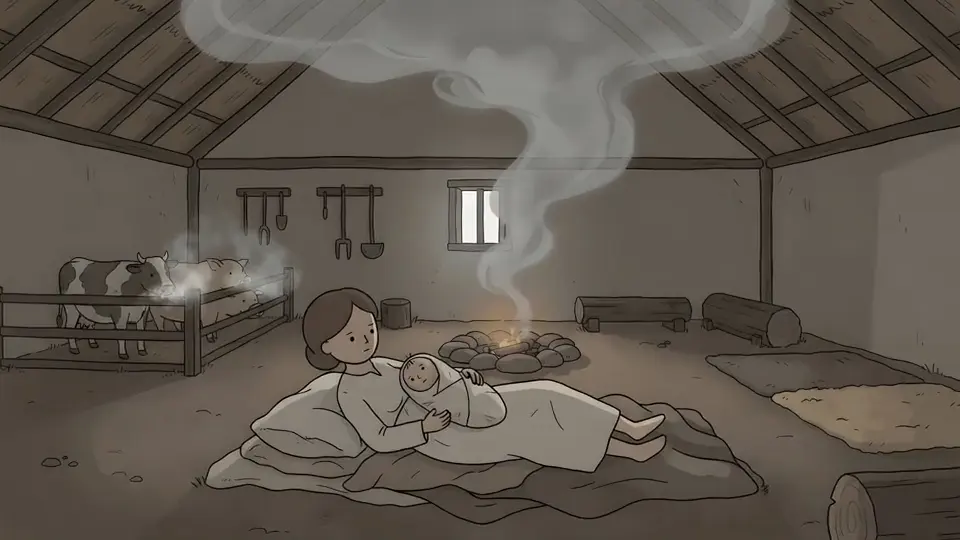
AI pictures are drawn one at a time, so characters usually drift. ClipFlux draws the cast first and paints every scene from it.
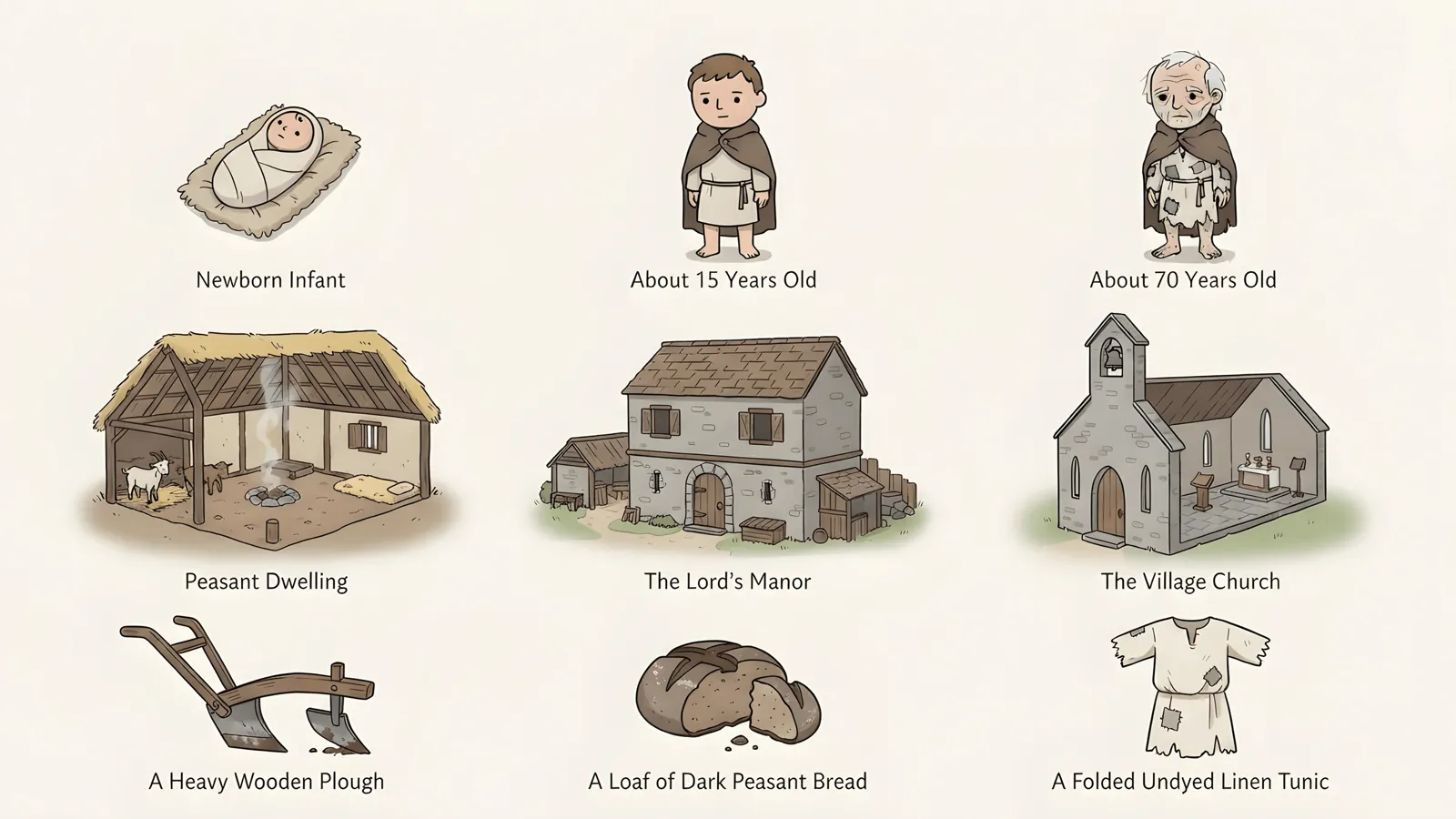
 Newborn infant
 About 15 years old
 About 15 years old
 About 15 years old
 Peasant dwelling
 About 70 years old
2. Every scene draws from itTags: the sheet entry each one uses
- Long videos draw a character sheet first: the people at every age, the places, the props
- Every picture is drawn from it, so chapter twelve still looks like chapter one
- Upload your own character once and use it on any video
- A scene that drifts? Redo just that one with a note
Made for the videos people watch.
The formats faceless channels are built on, each with its own page of real examples.
Try it for $5. Pay as you grow.
Preview your first video free, then start with 150 credits for $5, one payment that never renews. Plans are monthly credits you can cancel anytime, and top-ups are there when you run out.
Try it
$5one payment
150 credits
150 credits that never expire
Starter
$29/ month
1,000 credits a month
1 Autopilot channel, watermark-free, full-length long videos
Pro
$79/ month
2,800 credits a month
2 Autopilot channels, 1440p long videos
Studio
$179/ month
6,400 credits a month
5 Autopilot channels, 1440p long videos
Questions, answered.
Yes. Everything you export is yours to use however you like, including commercially, with no ongoing strings. Free renders carry a small clipflux.ai mark; a top-up removes it for good, or a plan while it is active. Your credits pay for the generation; the output belongs to you.
That is exactly who it is built for. You give it a topic or a character and a premise, and it writes the script, generates the scenes, voices it and captions it for you. If you want to tweak something, the editor is point-and-click. No timeline experience required.
Full control, down to a single frame. Review the video scene by scene and re-roll any image, voice line or caption with a written note explaining what to change. You can also edit the script, swap voices and styles, and retime everything in the editor before you export.
Faceless 9:16 Shorts for TikTok, YouTube Shorts and Instagram Reels: POV stories, what-ifs, rankings, explainers and more. And 16:9 long-form for YouTube, up to 20 minutes, planned in chapters. Every video is drawn in one look: Realistic, Doodle 2D, PS2 Graphics, Mannequin 3D, Cartoon Stickman, Storybook 3D, Classic Stickman, Vintage Toon, Skeleton POV, Whiteboard, Paper Cutout, Epic Stickman, Noir Stickman, Creepy Stickman and Minimal Stickman.
Yes. Switch the format to 16:9 and the same brief becomes a full-length chaptered video, anywhere from one to 20 minutes: a cold open, a chapter card for each section, one narrator voice throughout, and the same scene-by-scene review as a short. Long-form is priced per minute in the same credits. New accounts preview their first video free in most countries, then start with 150 credits for $5, one payment; paid plans make full-length videos.
Credits, not confusing per-second render fees. One credit is roughly one image generation, credits roll over while you are subscribed, and you can subscribe for the best per-credit price or top up anytime. In most countries, you watch the opening of your first video free before paying anything. Then start with 150 credits for $5: one payment, nothing renews, and the credits never expire.
Plans are Starter at $29 a month (1,000 credits), Pro at $79 (2,800 credits) and Studio at $179 (6,400 credits), and you can also buy credits as one-time top-ups. Yearly billing gives one month free. New accounts preview their first video free in most countries, then start with 150 credits for $5, one payment.
Not to sign up: you sign up with your email or Google, with no card and no password. In most countries, you watch the opening of your first video free before paying anything. Finishing it takes 150 credits for $5, one payment through Stripe that never renews.
Yes. Monthly plans renew each month and yearly plans each year, and you can cancel either from your account in a couple of clicks. Top-up credits stay in your balance. Plan credits roll over while you are subscribed and expire when the plan ends.
Yes, with Channels. A Channel picks the next topic from your list (or from AI topics based on its description), makes the video and posts it to YouTube or TikTok on the days and at the hour you pick, at most one a day, in the channel's look and voice. Run it fully automatic, have it wait for your OK on each script, or approve every step. Every plan runs Autopilot: Starter 1 channel, Pro 2, Studio 5.
Yes. Connect ClipFlux to ChatGPT or Claude and ask for a video in the chat: it writes the script with you, makes the video in the look you pick, changes it when you ask and can post it to YouTube. You sign in with your ClipFlux account, and setup steps are at clipflux.ai/mcp.
Yes. In the Talking character format your character says every line on camera, lip-synced, with captions timed to the words. Paste a script of up to 150 words, or write dialogue with up to 4 characters, each with their own voice. It is on every paid plan, or unlocked with a one-time top-up.
Yes. ClipFlux is a real company based in Malmö, Sweden, founded in 2026 and run by its two founders, Oscar Ahrén and Vilgot Weinberg. Payments are handled by Stripe, you can cancel a plan any time in Settings and it runs to the end of the period you paid for, and ClipFlux is listed on G2.
ClipFlux runs in your browser at clipflux.ai, on desktop and on your phone, so there is nothing to install. We don't have an app on Google Play or the App Store, and apps with similar names there, like ClipFlux AI on Android, aren't ours. Our only official accounts are YouTube @TryClipFlux, TikTok @tryclipflux, Instagram @clipflux.ai and X @clipfluxai; other channels named ClipFlux, and the ClipFlux clipping group on Whop, aren't ours.
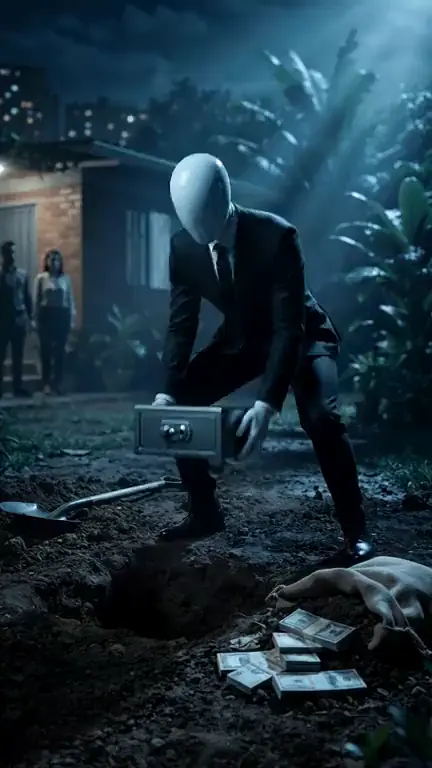


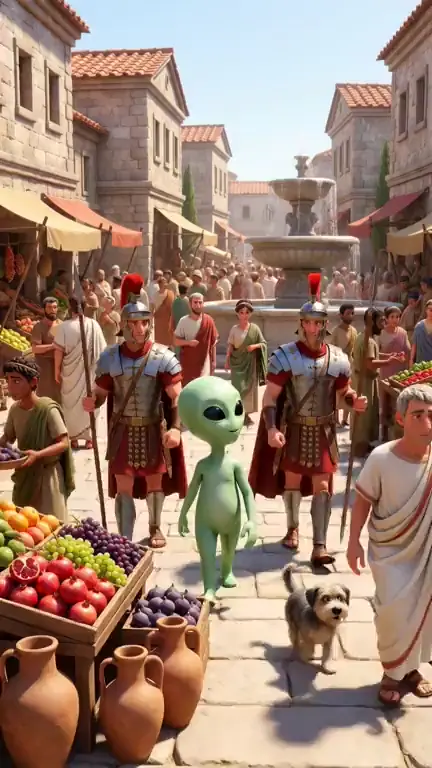
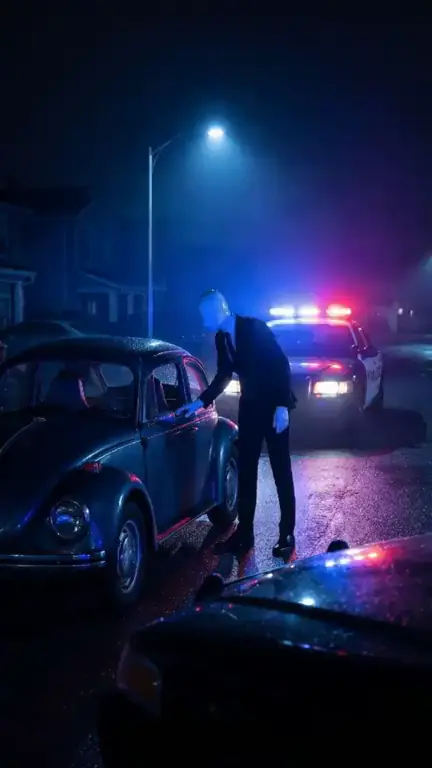



One topic in. A finished video out.
Your first video is ready in a few minutes. Preview your first video free, then 150 credits for $5, one payment.